

ACuBe
Administrators
-
Joined
-
Last visited
-
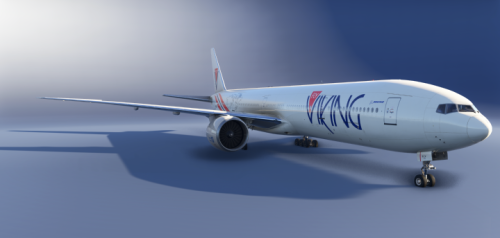 The Flyviking 777-300ER Fleet with Cabin.
 -
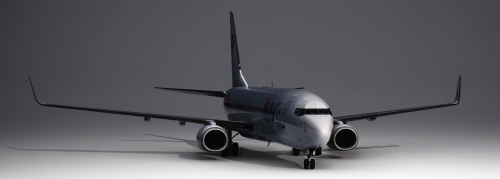 Liverys for 737-800 fleet For the PMDG 737-800 by Alexhs2, updated to MSFS2024 by ACuBe
 -
-
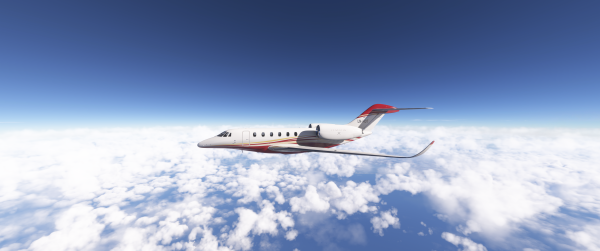 2026-02-20-20-53-03.PNG
-
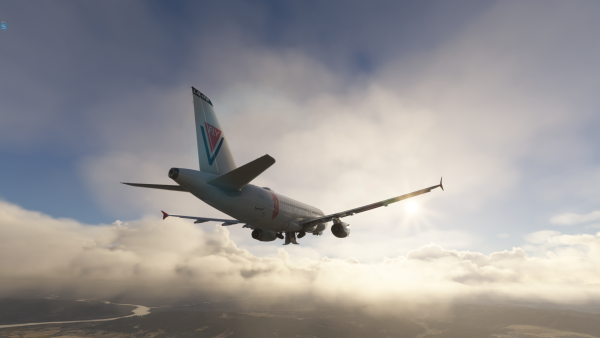 Microsoft Flight Simulator Screenshot 2025.04.11 - 19.20.45.57.png
-
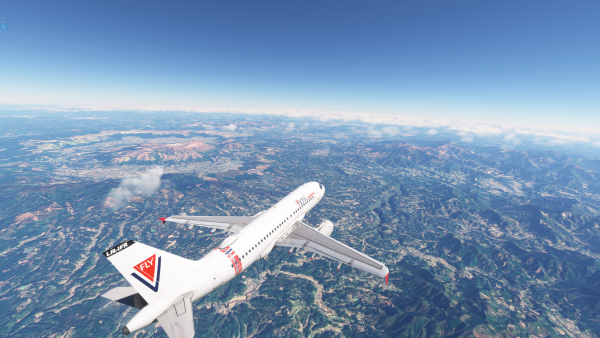 Microsoft Flight Simulator Screenshot 2025.04.11 - 12.03.53.34.png
-
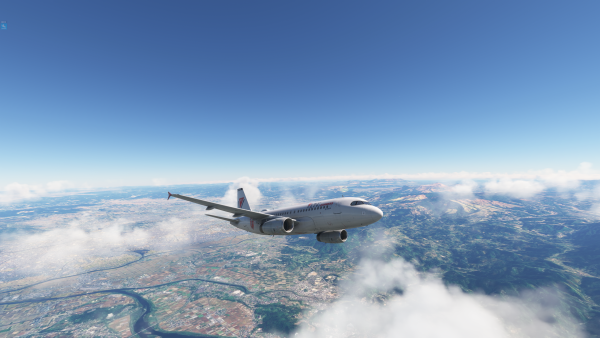 Microsoft Flight Simulator Screenshot 2025.04.11 - 12.00.30.99.png
-
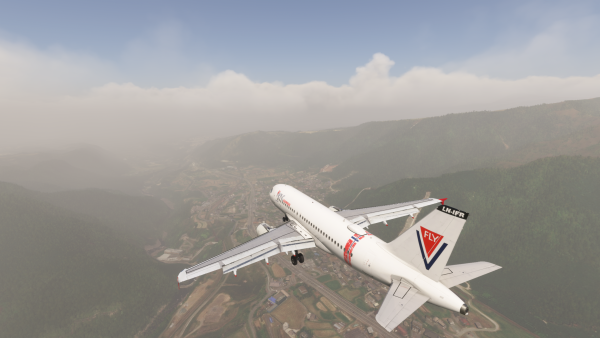 Microsoft Flight Simulator Screenshot 2025.04.10 - 23.03.59.46.png
-
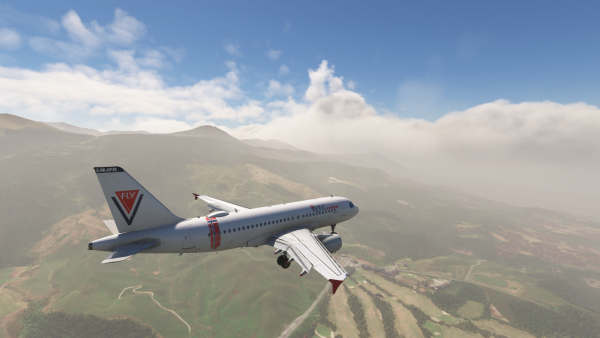 Microsoft Flight Simulator Screenshot 2025.04.10 - 23.02.48.79.png
-
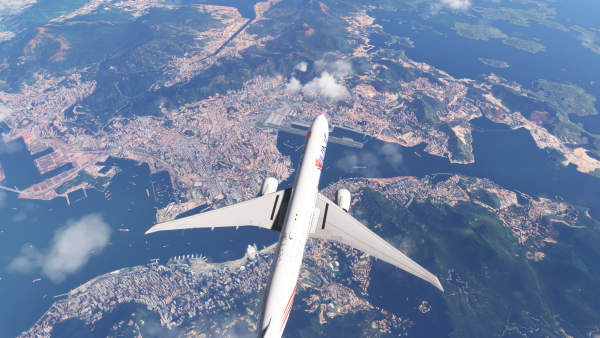 Microsoft Flight Simulator Screenshot 2025.04.09 - 14.02.06.00.png
-
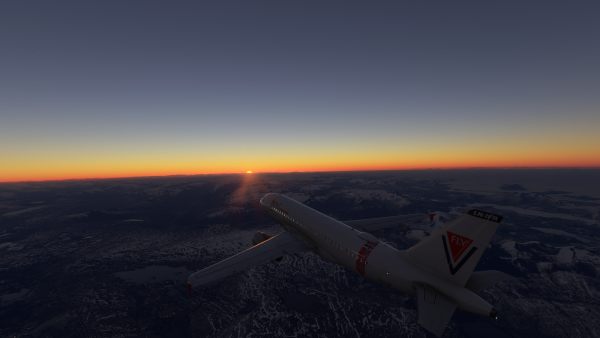 Microsoft Flight Simulator Screenshot 2025.01.06 - 14.11.48.80.png
-
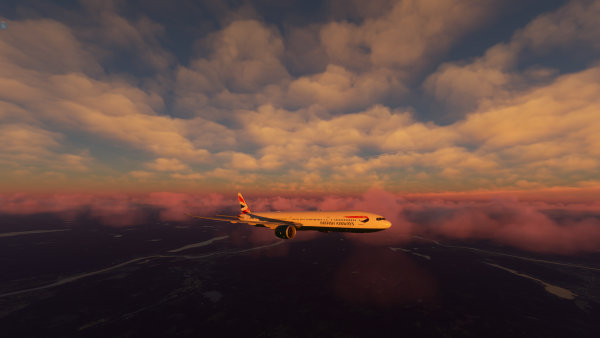 Microsoft Flight Simulator Screenshot 2024.06.27 - 22.46.09.97.png
-
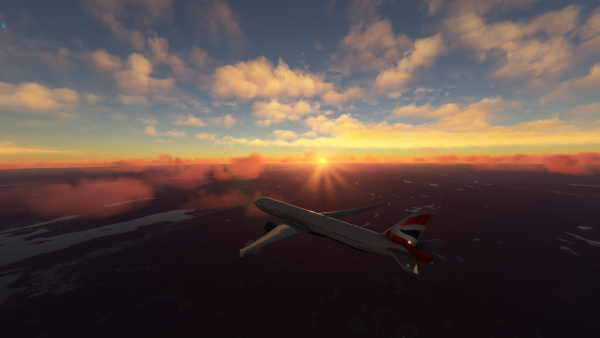 Microsoft Flight Simulator Screenshot 2024.06.27 - 22.46.04.13.png
-
 Microsoft Flight Simulator Screenshot 2024.06.27 - 22.45.36.06.png
-
 Microsoft Flight Simulator Screenshot 2024.06.27 - 22.45.15.21.png
-
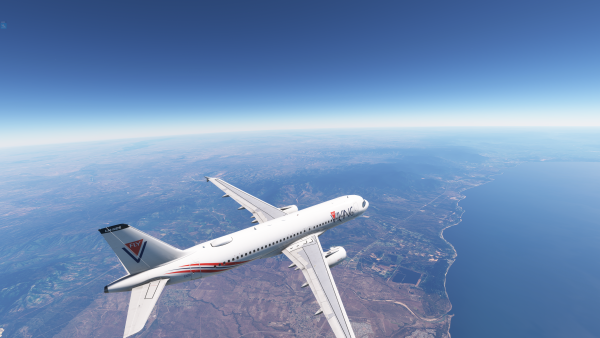 Microsoft Flight Simulator Screenshot 2024.06.16 - 20.53.27.84.png
-
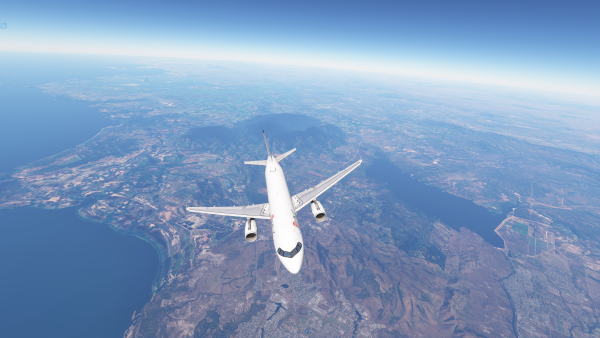 Microsoft Flight Simulator Screenshot 2024.06.16 - 20.53.22.84.png
-
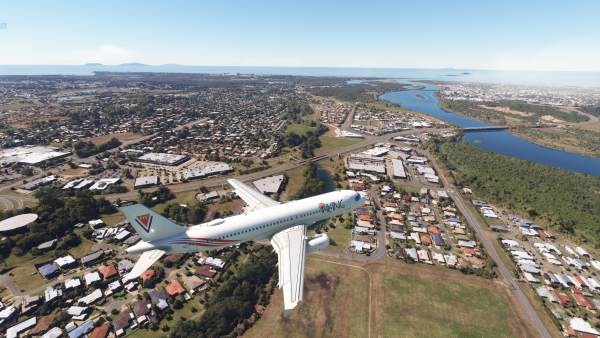 Microsoft Flight Simulator Screenshot 2024.06.16 - 19.41.27.30.png
-
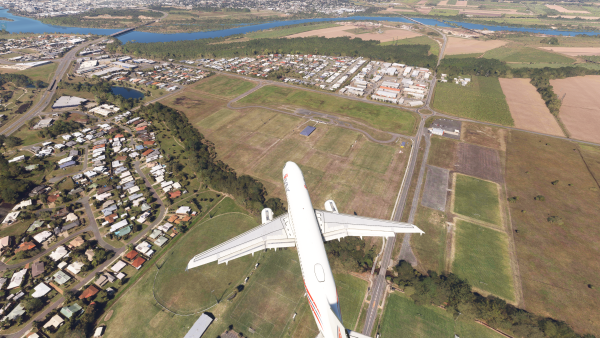 Microsoft Flight Simulator Screenshot 2024.06.16 - 19.41.17.76.png
-
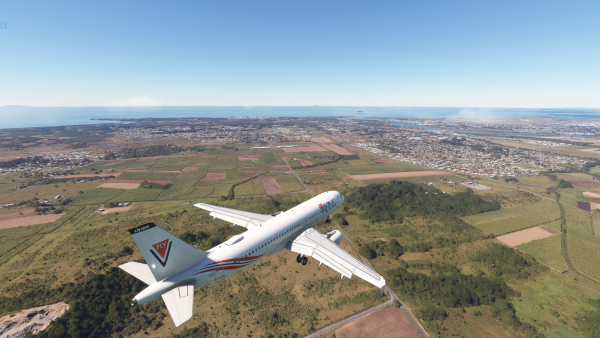 Microsoft Flight Simulator Screenshot 2024.06.16 - 19.40.25.31.png
-
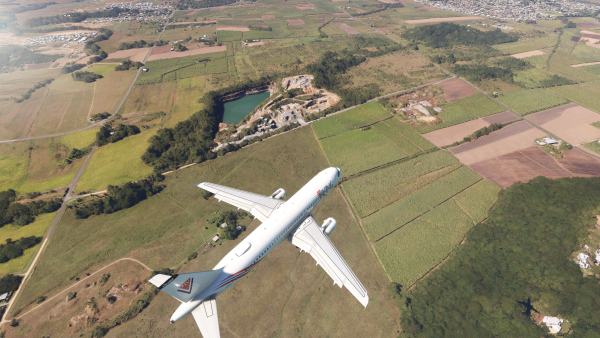 Microsoft Flight Simulator Screenshot 2024.06.16 - 19.40.11.79.png
-
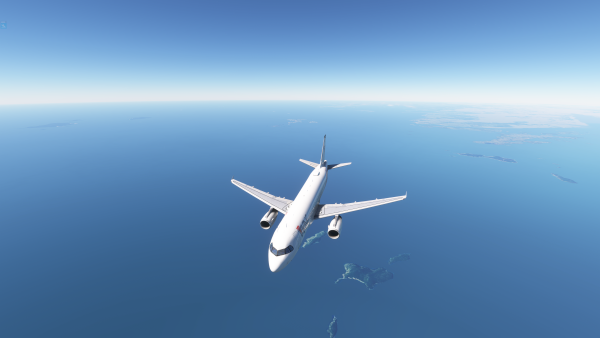 Microsoft Flight Simulator Screenshot 2024.06.16 - 19.24.01.58.png
-
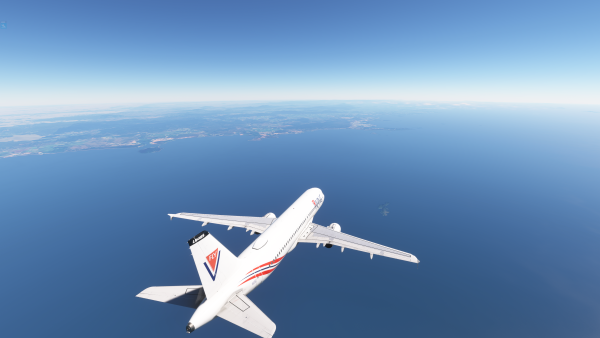 Microsoft Flight Simulator Screenshot 2024.06.16 - 19.23.57.48.png
-
-
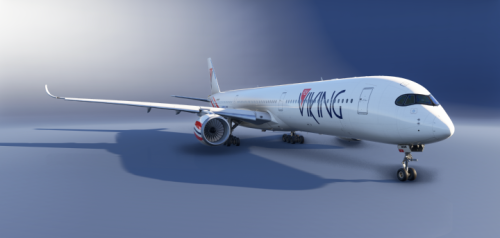 Livery of LN-NOR For the Inibuilds A350-1000
 -
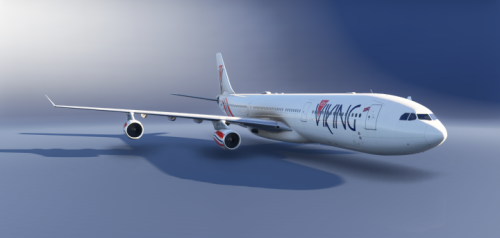 Liverys to MSFS 2024, Inibuilds A340-300 LN-IRL and LN-FIS Package.
 -
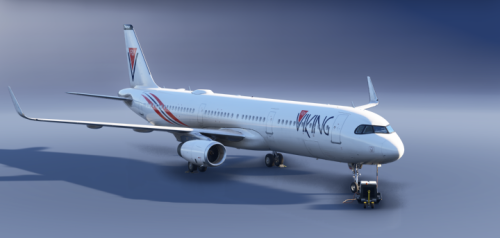 Liveries to the A321 Flyviking Fleet for the Fenix A321-200v2. Put in the comunity folder
 -
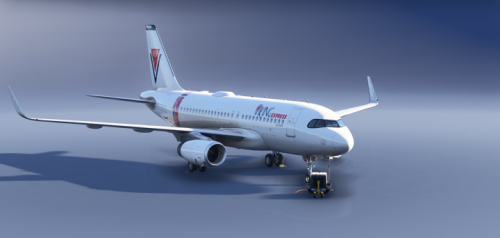 Liveries to the A319 Flyviking Fleet for the Fenix A319-200v2. Put in the comunity folder
 -
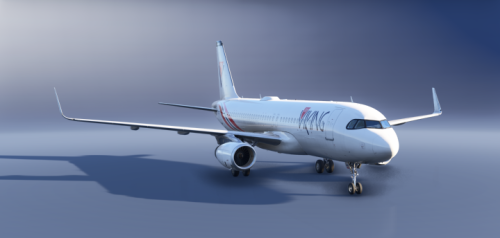 Liveries to LN-BUS and LN- NES for the Fenix A320-200v2. Put in the comunity folder
 -
ACuBe changed their profile photo
-
GSX profile for WARR Juanda by Suroboyo Simulation
-
GSX profile for WAOO Syamsudin Noor by Binersim Only the Jetway gates has been done.
-
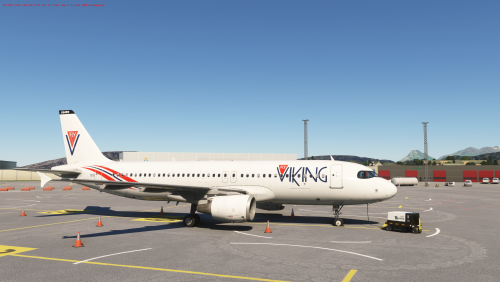 A pack off LN-BUS and LN-NES to Fenix's A320. Readme will come. Disclaimer: These Paints are not compatible with V2 of the Fenix A320.
 -
-
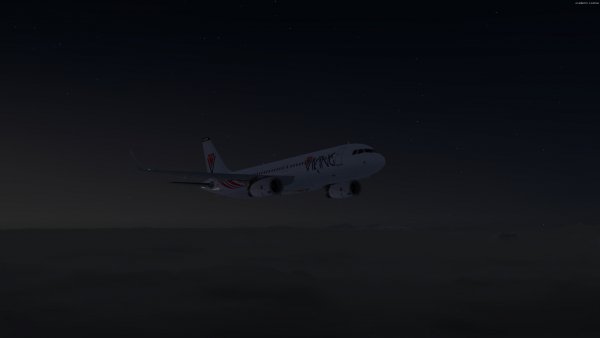 2021-11-16_22-29-8-578.jpg
-
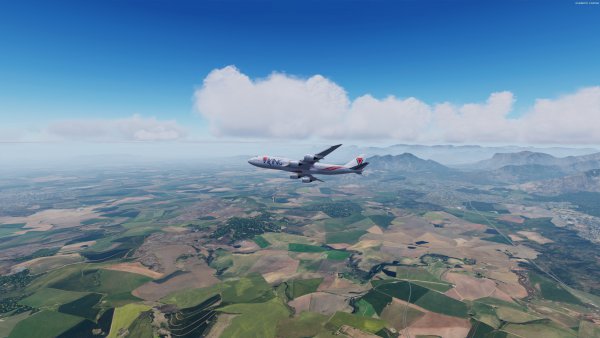 2021-2-24_23-2-33-742.jpg
-
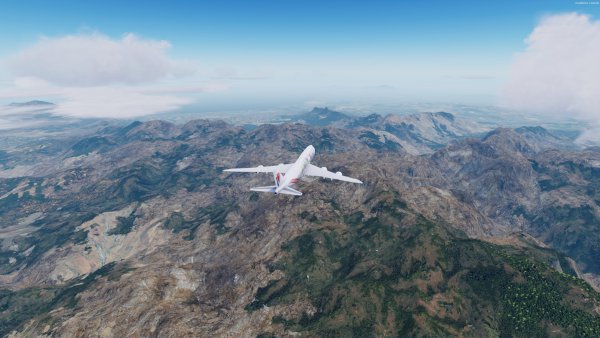 2021-2-24_22-58-33-155.jpg
-
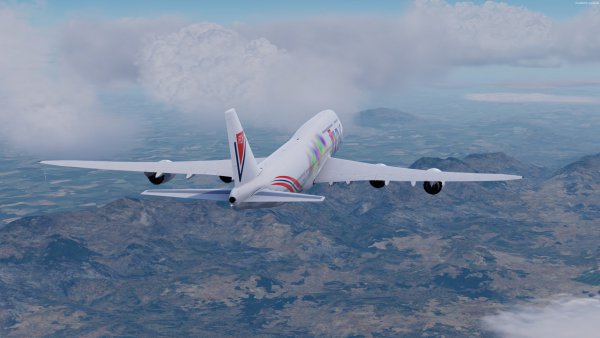 2021-2-24_22-49-52-101.jpg
-
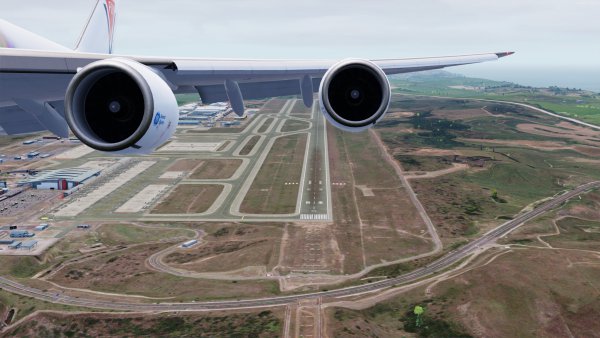 2021-2-24_20-48-22-221.jpg
-
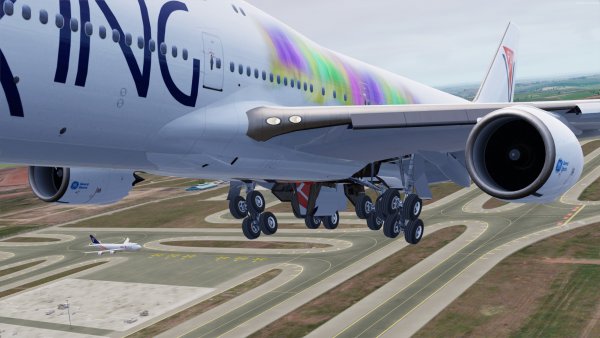 2021-2-24_20-48-3-517.jpg
-
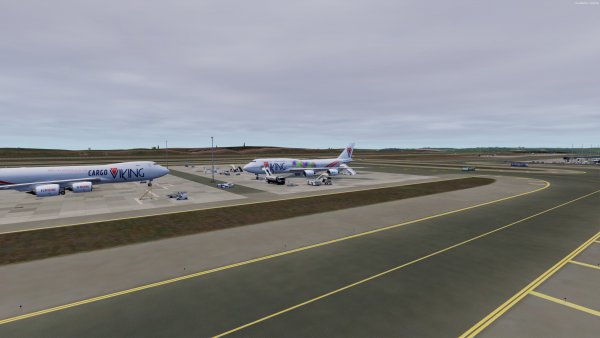 2021-2-24_19-26-58-739.jpg
-
 2021-2-24_19-25-27-573.jpg
-
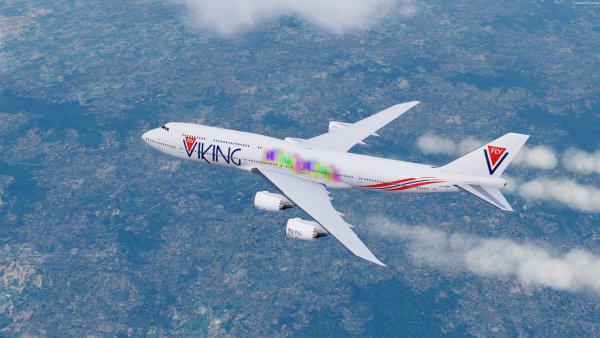 2021-2-24_17-19-28-13.jpg
-
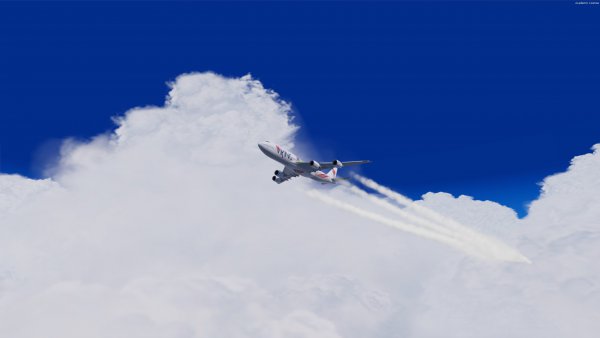 2021-2-24_16-51-10-228.jpg
-
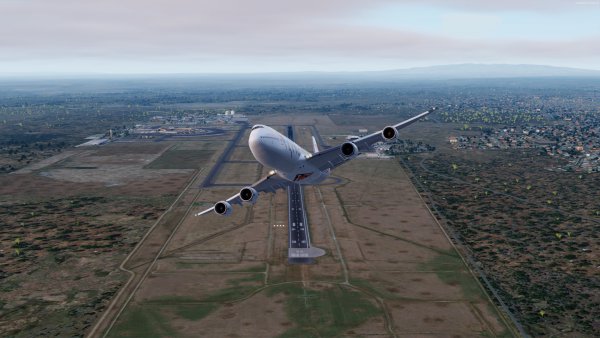 2021-2-24_15-2-38-181.jpg
-
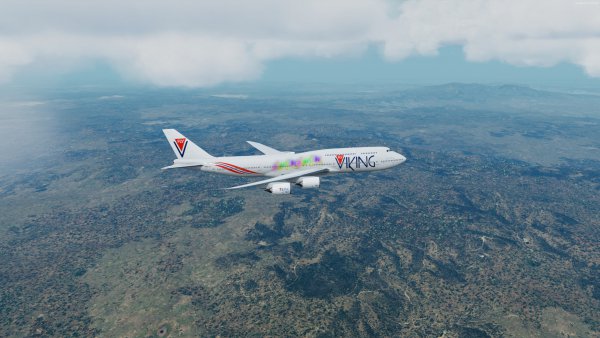 2021-2-23_17-17-58-845.jpg
-
 2021-2-22_21-7-52-852.jpg
-
 2021-2-21_15-55-8-111.jpg
-
 2021-2-20_22-1-22-403.jpg
-
 2021-2-20_21-46-58-590.jpg
-
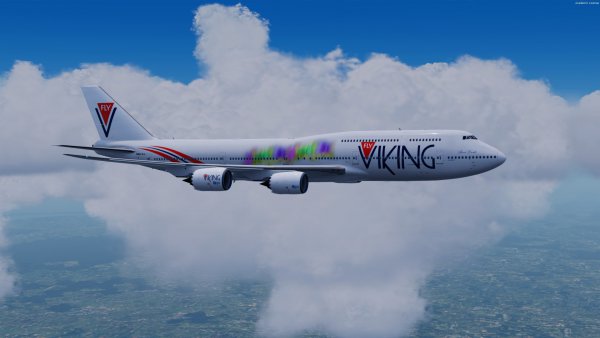 2021-2-20_21-28-57-227.jpg
-
 2021-2-20_21-28-28-839.jpg
-
 2021-2-20_20-50-0-544.jpg
-
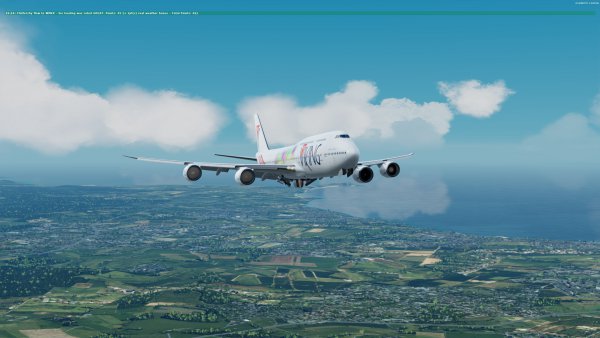 2021-2-20_16-14-10-420.jpg
-
-
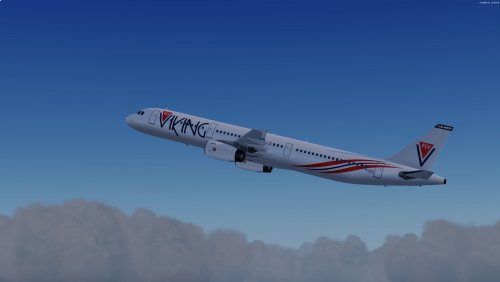 Repaints of LN-NSB, LN-NKP and LN-NGP for the FSLabs A321 V5.x Both CMF and IAE engine moddels are included.
 -
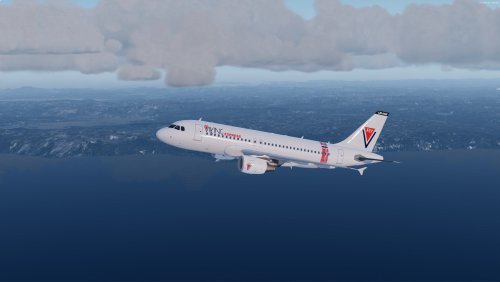 Repaints of LN-KUU and LN-JAG for the FSLabs A319 V5.x Both CMF and IAE engine models are included.
 -
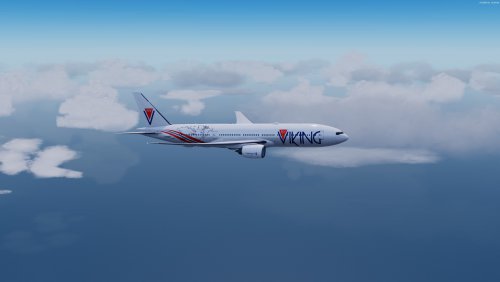 Paints for the 777-200ER , this is made to the updated version off the 777.
