Jump to content

ACuBe

Administrators
  • Joined

  • Last visited

Files posted by ACuBe

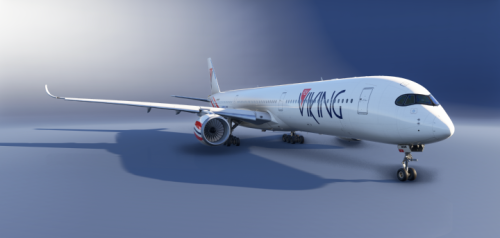
  1. Livery of LN-NOR For the Inibuilds A350-1000
    • 1 Downloads
    Submitted
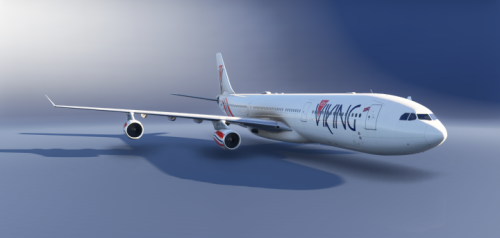
  2. Liverys to MSFS 2024, Inibuilds A340-300 LN-IRL and LN-FIS Package.
    • 2 Downloads
    Submitted
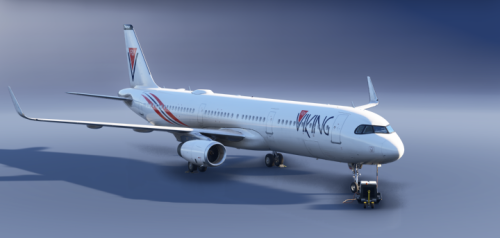
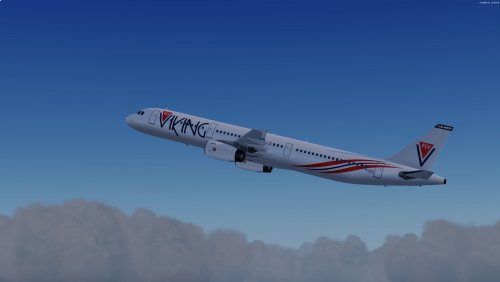
  3. Liveries to the A321 Flyviking Fleet for the Fenix A321-200v2.
    Put in the comunity folder
    • 3 Downloads
    Submitted
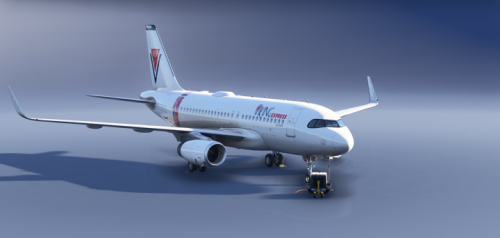
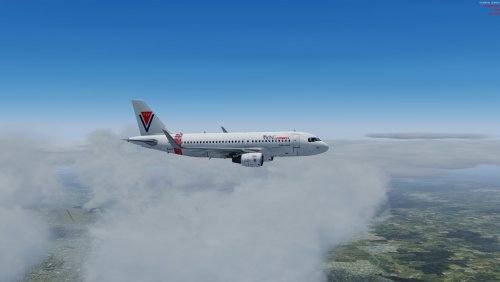
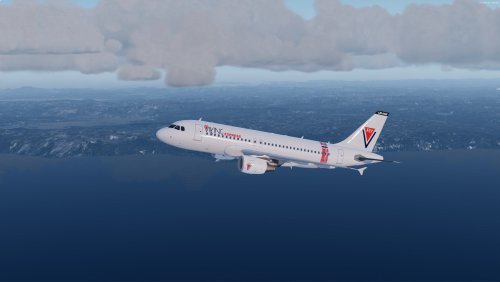
  4. Liveries to the A319 Flyviking Fleet for the Fenix A319-200v2.
    Put in the comunity folder
    • 4 Downloads
    Updated
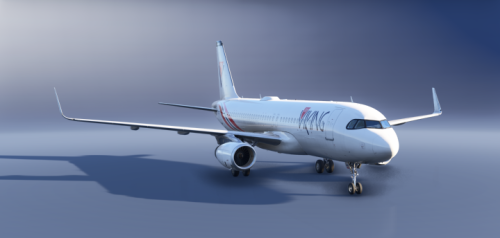
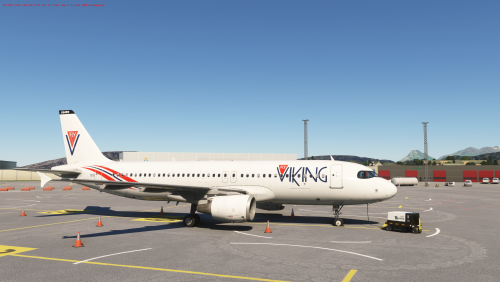
  5. Liveries to LN-BUS and LN- NES for the Fenix A320-200v2.
    Put in the comunity folder
    • 4 Downloads
    Updated
  6. A pack off LN-BUS and LN-NES to Fenix's A320.

    Readme will come. 

    Disclaimer: These Paints are not compatible with V2 of the Fenix A320. 
    • 91 Downloads
    Updated
  7. GSX profile for  WARR Juanda by Suroboyo Simulation
    • 45 Downloads
    Updated
  8. GSX profile for WAOO Syamsudin Noor by Binersim

    Only the Jetway gates has been done. 

     
    • 57 Downloads
    Submitted
  9. Zip file contains 5 files that can be imported with the Aerosoft livery tool
    • 170 Downloads
    Updated
  10. Repaints of LN-KUU and LN-JAG for the FSLabs A319 V5.x 
    Both CMF and IAE engine models are included. 
    • 196 Downloads
    Updated
  11. Repaints of LN-NSB, LN-NKP and LN-NGP for the FSLabs A321 V5.x 
    Both CMF and IAE engine moddels are included. 
    • 203 Downloads
    Updated
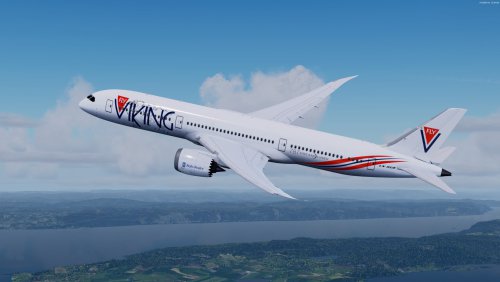
  12. Repaints of LN-SUK and LN-PON for the Qualitywings 787-9
    • 779 Downloads
    Updated
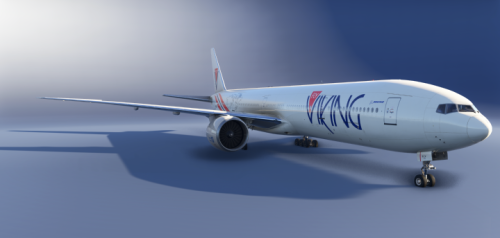
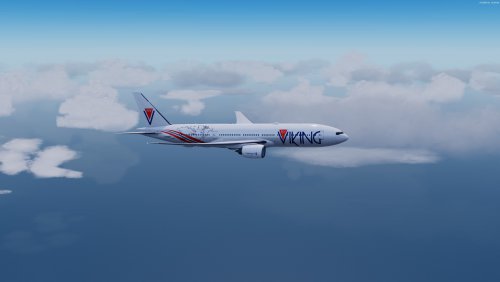
  13. Paints for the 777-200ER , this is made to the updated version off the 777. 
    • 197 Downloads
    Updated
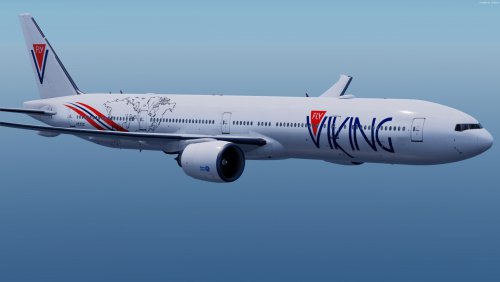
  14. Paints for the 777-300ER , this is made to the updated version off the 777. 
    • 195 Downloads
    Updated
  15. Aircraft paints for LN-ABO & LN-OJM.
    • 180 Downloads
    Updated

Important Information

We have placed cookies on your device to help make this website better. You can adjust your cookie settings, otherwise we'll assume you're okay to continue.

Account

Navigation

Search

Configure browser push notifications

Chrome (Android)
  1. Tap the lock icon next to the address bar.
  2. Tap Permissions → Notifications.
  3. Adjust your preference.
Chrome (Desktop)
  1. Click the padlock icon in the address bar.
  2. Select Site settings.
  3. Find Notifications and adjust your preference.